

What a year it has been, for you as well? Have you also shared so many memories on your Instagram? All the candids of nice places, delicious food, great friends, personal achievements, events and so on and on. #2017BestNine is a nice way to recap a Year and find out the most popular pictures. You have probably already seen the #2017BestNine Pictures posted on Instagram by friends, bloggers or celebrities. And now you want to know how you can create your own Best Nine Photo Collage, to find out the most liked pictures of 2017 of your Instagram Account? Here you are absolutely right! In the past, I’ve already shared more about the #2015BestNine and #2016bestNine Photo Collages.
How to create your #2017Best Nine Instagram Photo Collage
All you have to do is visit a website, either from your computer or smartphone/tablet, and know your Instagram Name. Just for fun, you can also type in the Instagram account name of friends or celebrities. You can also check out the Top Pictures of Meghan Markle, Caro Daur or Donald Trump. As you’ve seen, Meghan Markle only posted 4 Pictures to her own Instagram in 2017, no worries, you can still create the #2017BestNine Photo Collage and find out the number of your total likes.
So, now, let’s go!
Open the website https://2017bestnine.com/ and type your Instagram name in. Or, you can also directly customize the link in your browser, like this https://2017bestnine.com/HEREyourname ( just like this https://2017bestnine.com/lisa_joydellavita ). Depending on how many people want to find out their #2017BestNine Pictures, it can take up to 10 Minutes until the Pictures are processed. When I checked for mine, it only took a few seconds, but don’t worry if it’ll take a bit longer.
Once the collage is ready, it will be available in two types. Type 1 is a ready-to-share picture including your account name and a total number of likes. Type 2 is just the 9 pictures, with 3 per row. Now you can either tap on the picture and download it to your device, in order to share it or send it to your friends using the link in your browser bar.
My #2017BestNine Pictures on Instagram
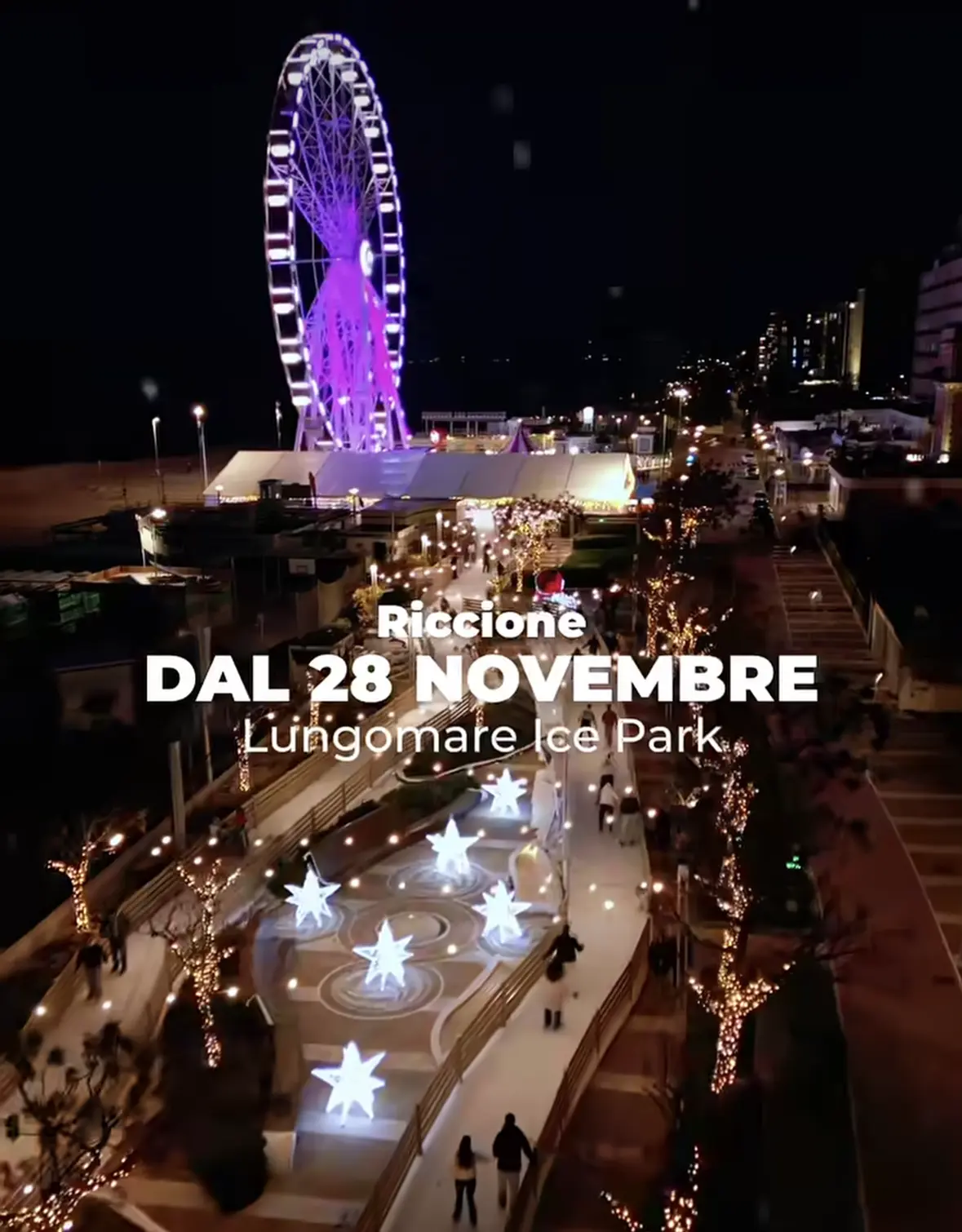
My personal Best Nine Pictures start with a snap I took in Dresden, the other one a stylish Hotel Room in Manchester, the other one from a recent restaurant visit to The Farm of Beverly Hills, the other one shows the Qatar Airways Plane landing from Doha in Adelaide, Australia, followed by two Pictures of the Land Rover Driving Experience in Crete, Greece, another one of me chilling by the beach in Riccione on a rather chilly day, the ruins of ancient Rome at Forum Romanum and the latest one is from a typical german christmas market. What a year it has been, the full recap of my Travel Year 2017 follows next week. Until then, I hope you have a fabulous Christmas and relaxing holiday amongst your loved ones!
… and already now I’m excited about how my #2018BestNine Collage and Year will look like 🙂

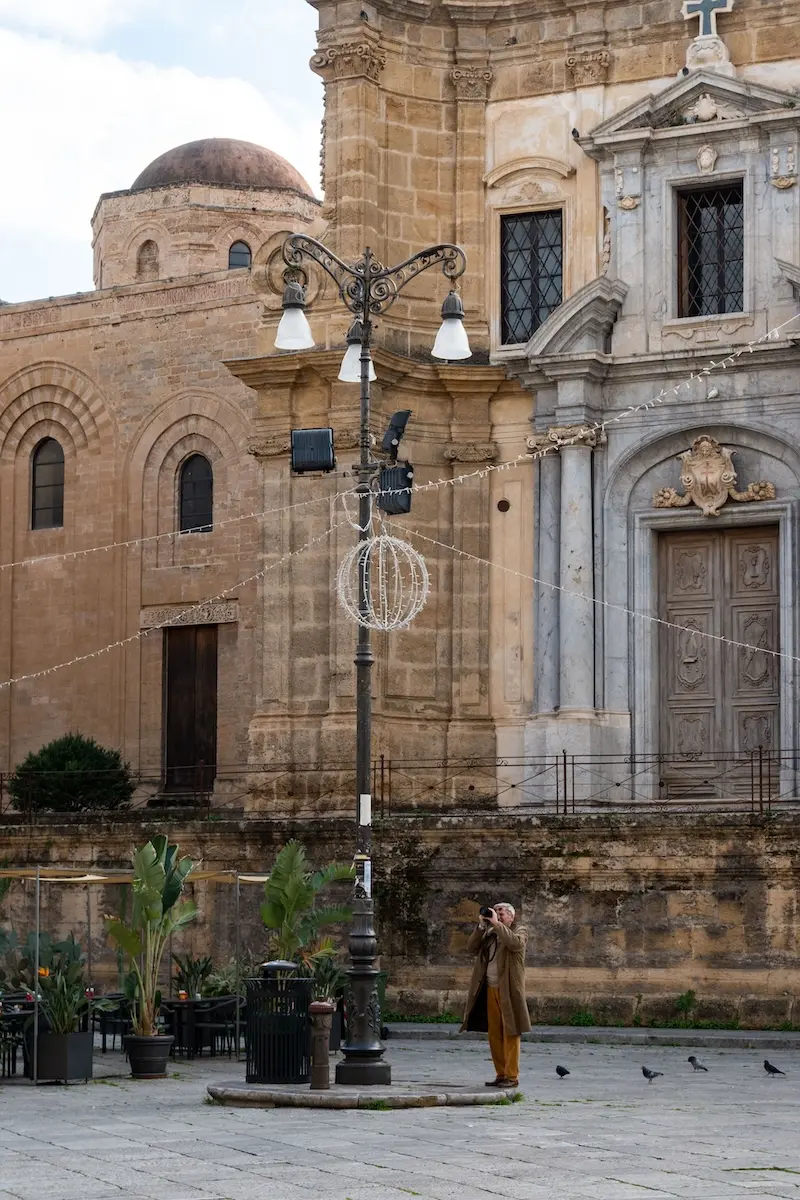
More Instagram inspiration: all bestNine and Instagram posts, tips for a travelblogger Instagram account and the Lifestyle category. See my Travel Year 2017 recap or follow these Instagram accounts for Palermo and Sicily.
FAQ: #2017BestNine Instagram collage
What is #2017BestNine?
It is a collage of the nine most-liked photos of your Instagram account in 2017, a popular way to recap the year.
How do I create my #2017BestNine collage?
Open the Best Nine website on your computer or smartphone, type in your Instagram account name and wait for the collage to be created. This was the method at the time of writing, and such third-party tools can change or disappear.
How long does it take to create the collage?
Depending on demand it can take up to 10 minutes, though mine only took a few seconds.
What formats do I get?
Type 1 is a ready-to-share picture with your account name and total likes. Type 2 is just the nine pictures, three per row.
Can I check other accounts?
Yes, you could also type in the account name of friends or celebrities for fun, as long as the account is public.






Leave a Reply